
掌握你的 財務未來
智慧預算、AI 自動記帳與實用的財務洞察,讓你用前所未有的方式管理金錢。
強大功能,聰明理財
追蹤支出、規劃預算、優化財務——一款智慧 App 全部搞定
AI 自動記帳
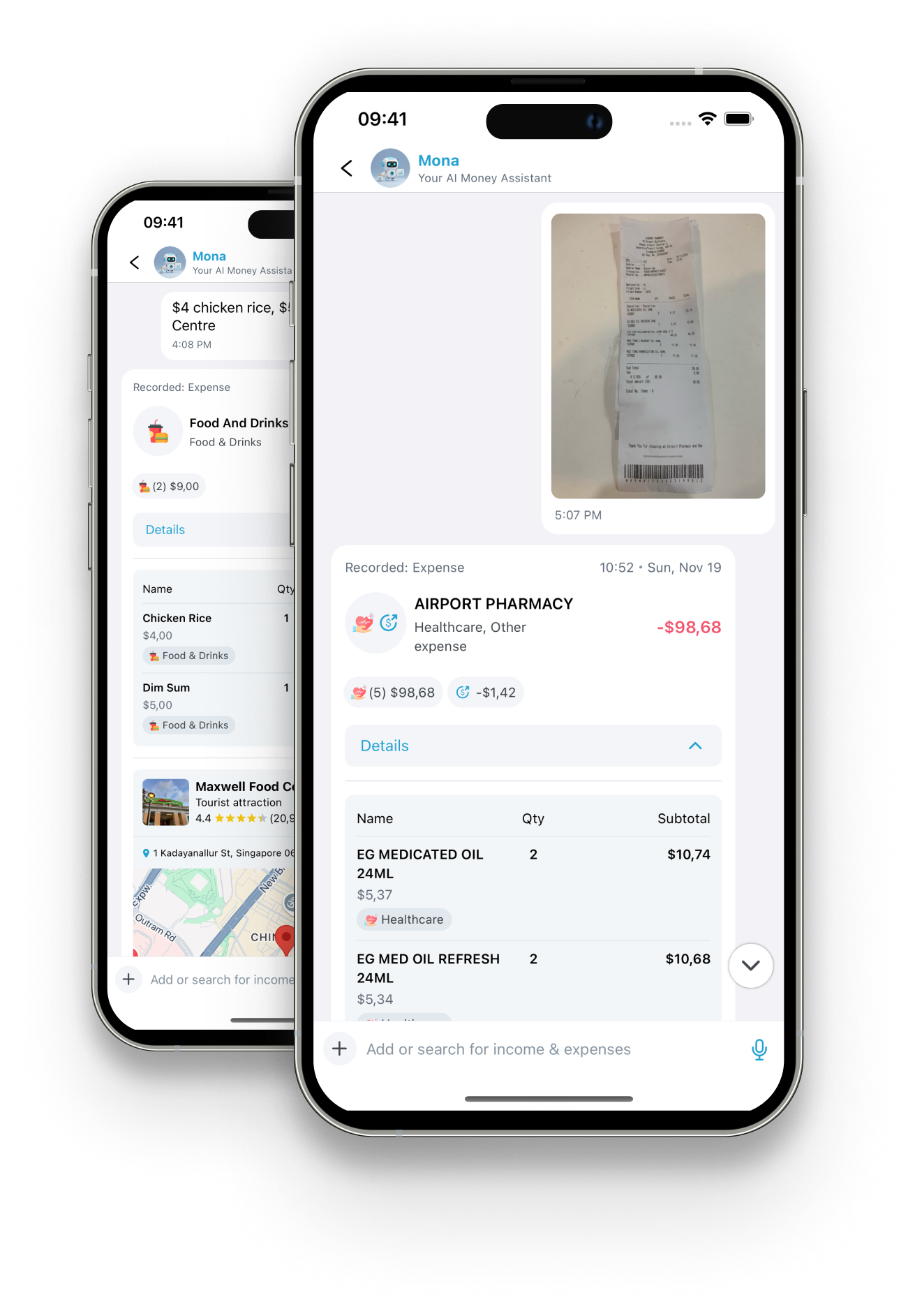
讓 AI 助理 Mona 透過文字與影像辨識,自動分類並記錄你的每一筆支出。
智慧預算
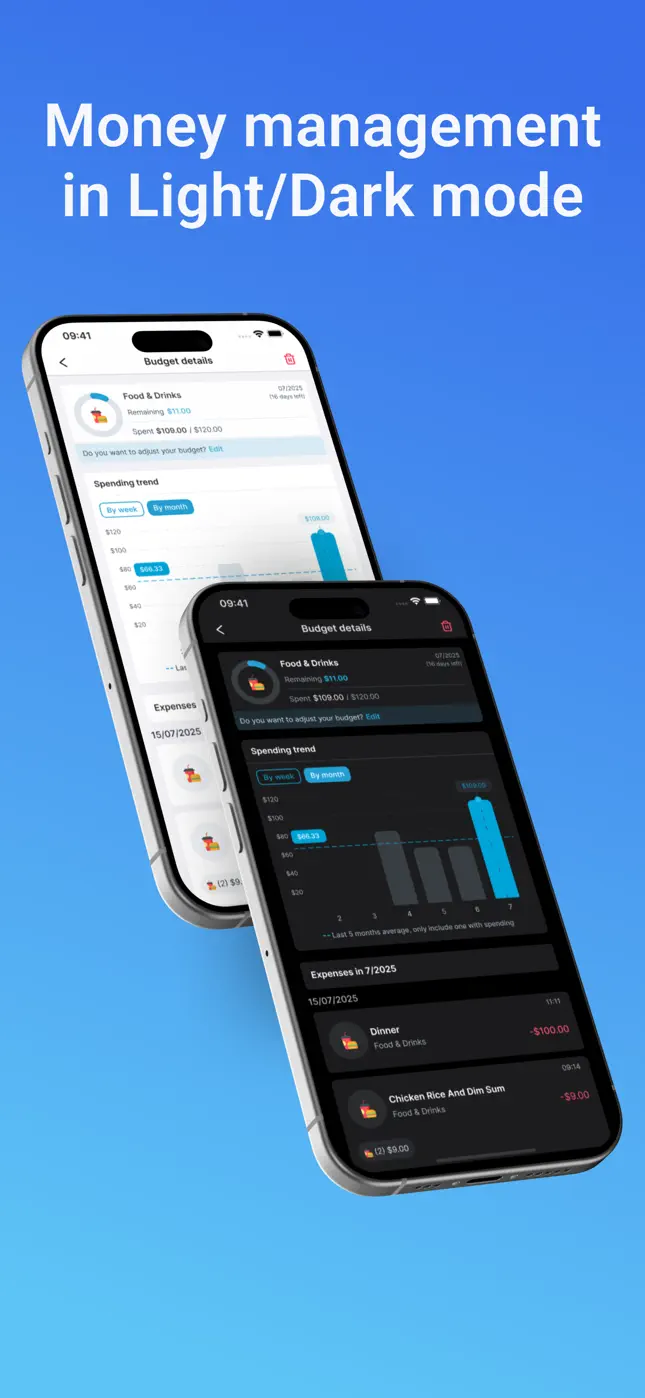
設定每月預算,取得智慧超支提醒與視覺化進度追蹤。
收據掃描
只要拍下收據,AI 就會自動擷取所有交易明細。
支出分析
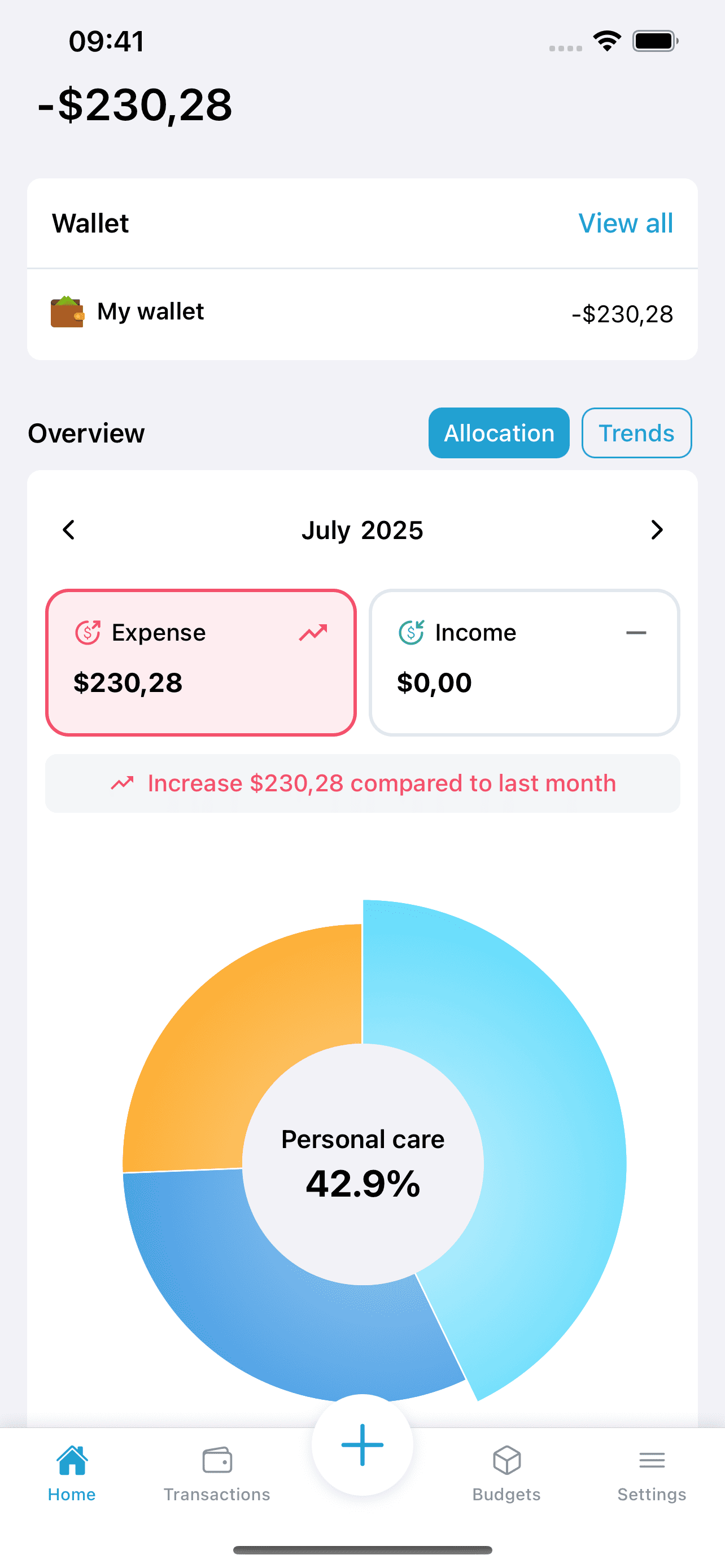
透過互動式圖表與趨勢,深入了解你的消費習慣。
多平台同步
在所有裝置上無縫存取你的財務資料,即時同步。
銀行等級安全
你的財務資料受企業級加密與安全措施保護。
使用方式
從消費到井然有序的預算,只要三步
 1
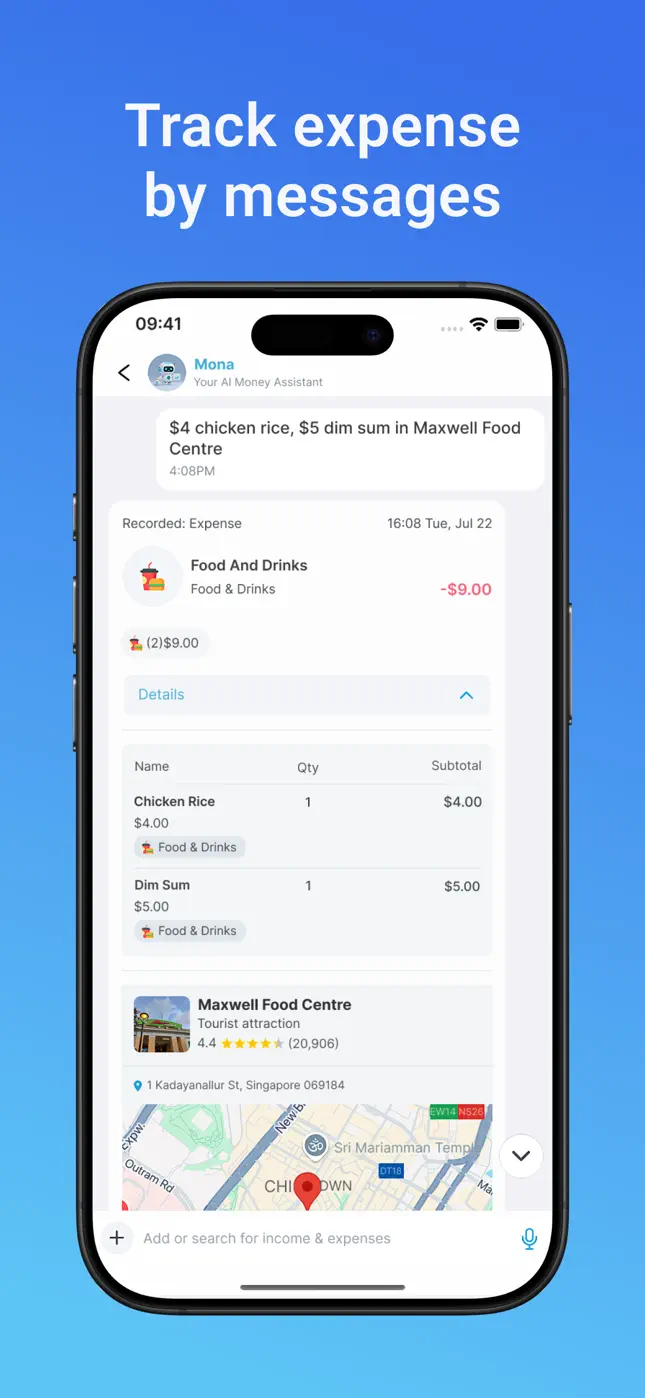
1說一句或拍一張
把開銷傳給 Mona,或拍下收據。日常用語就可以:「海南雞飯 100 元、點心 120 元」。
 2
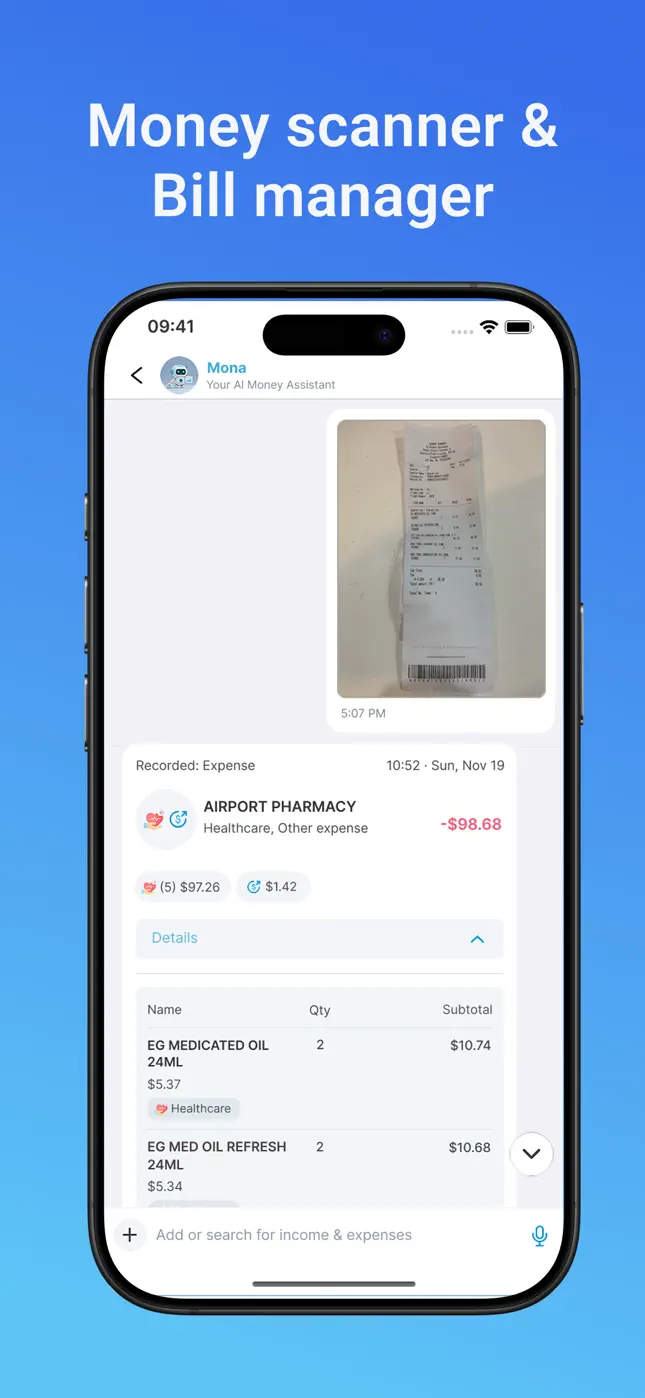
2Mona 記錄一切
AI 擷取金額、品項、商家與位置,自動分類並歸檔交易——幾秒內精準完成。
 3
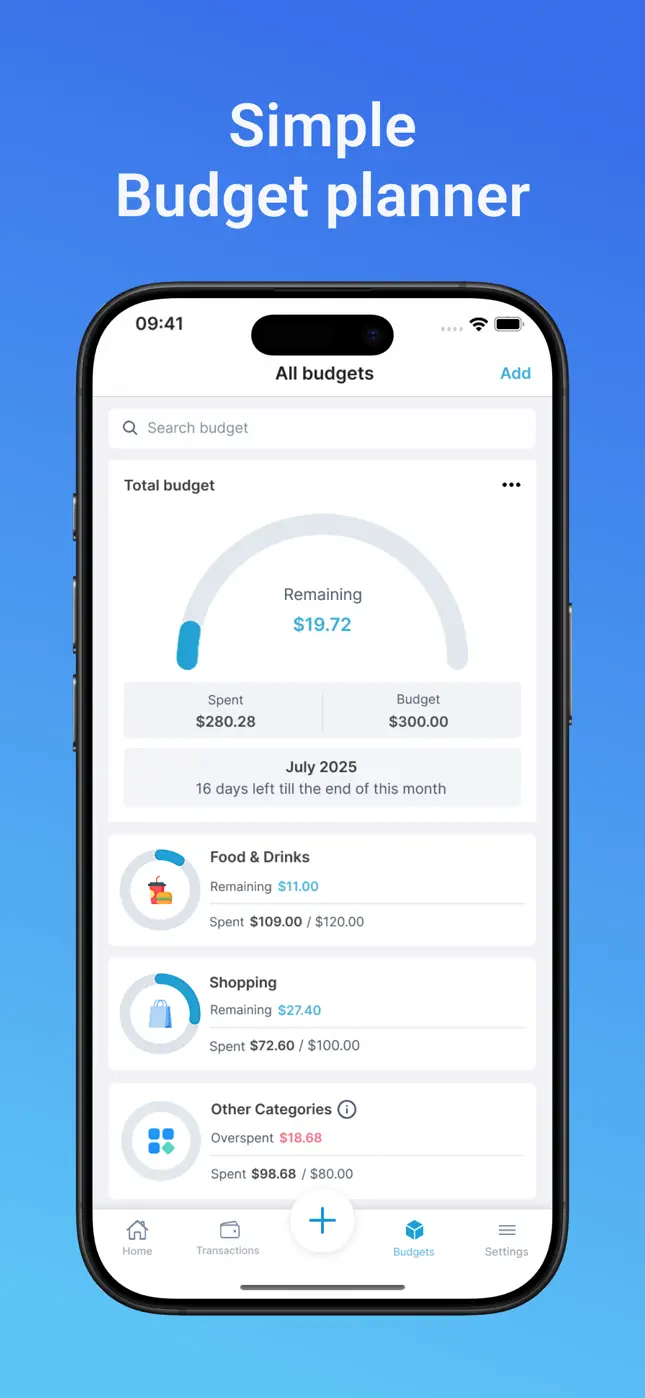
3預算即時更新
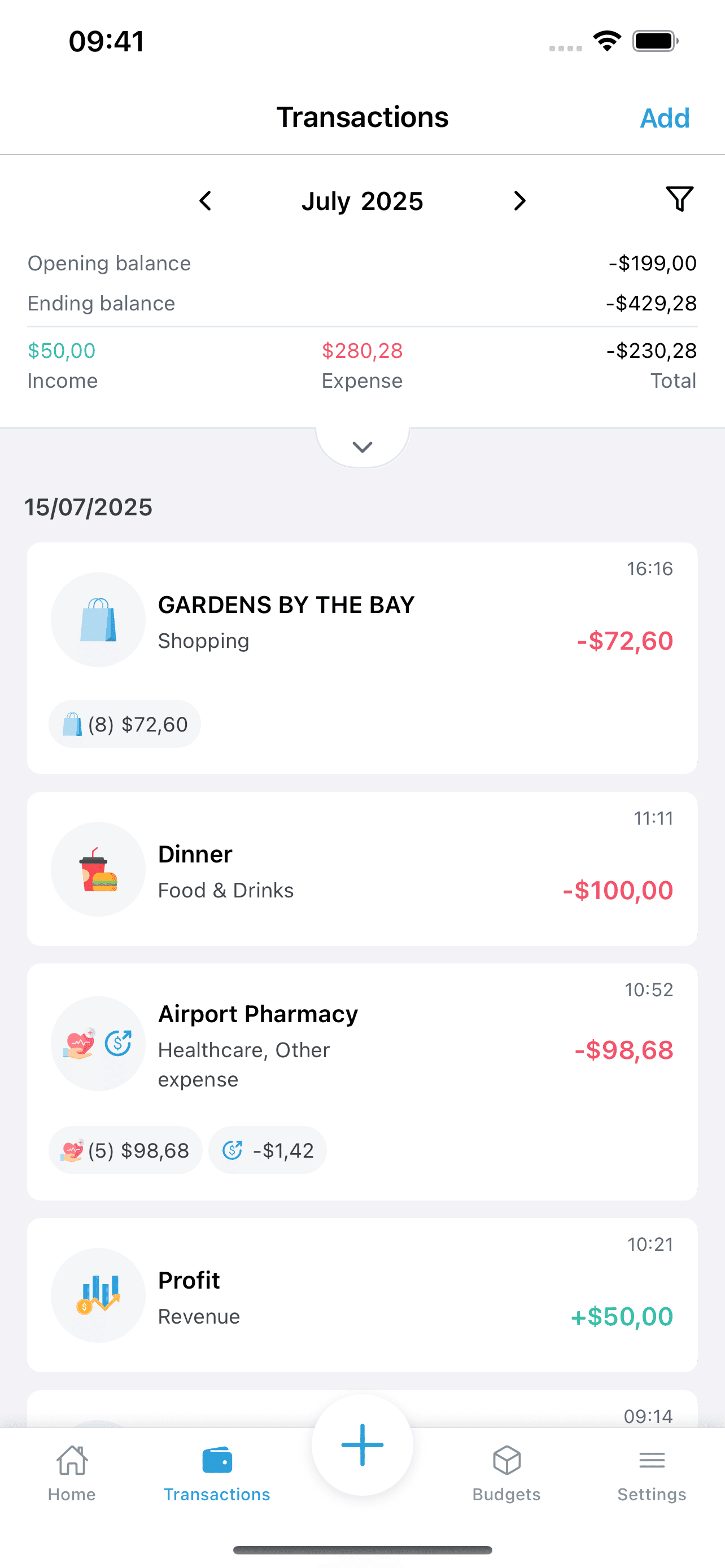
預算、支出趨勢、帳單到期日與儲蓄目標即時更新,任何交易立即可查。
走進 Mona AI
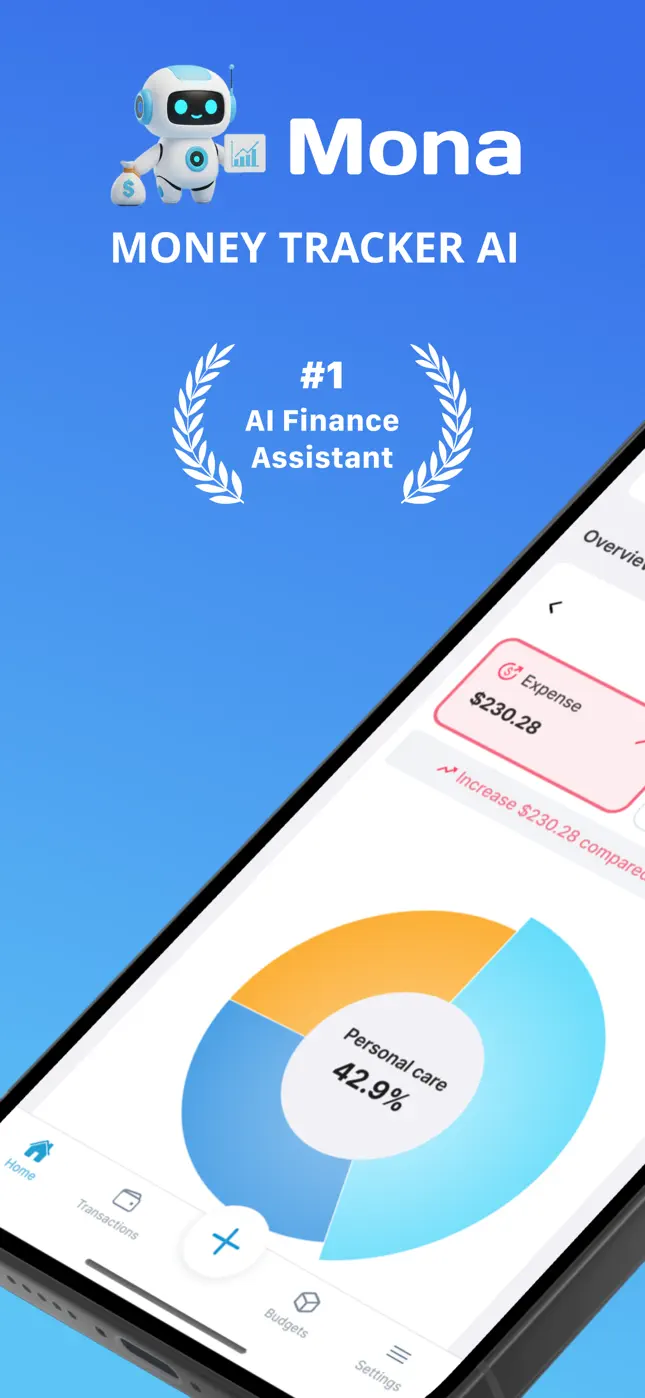
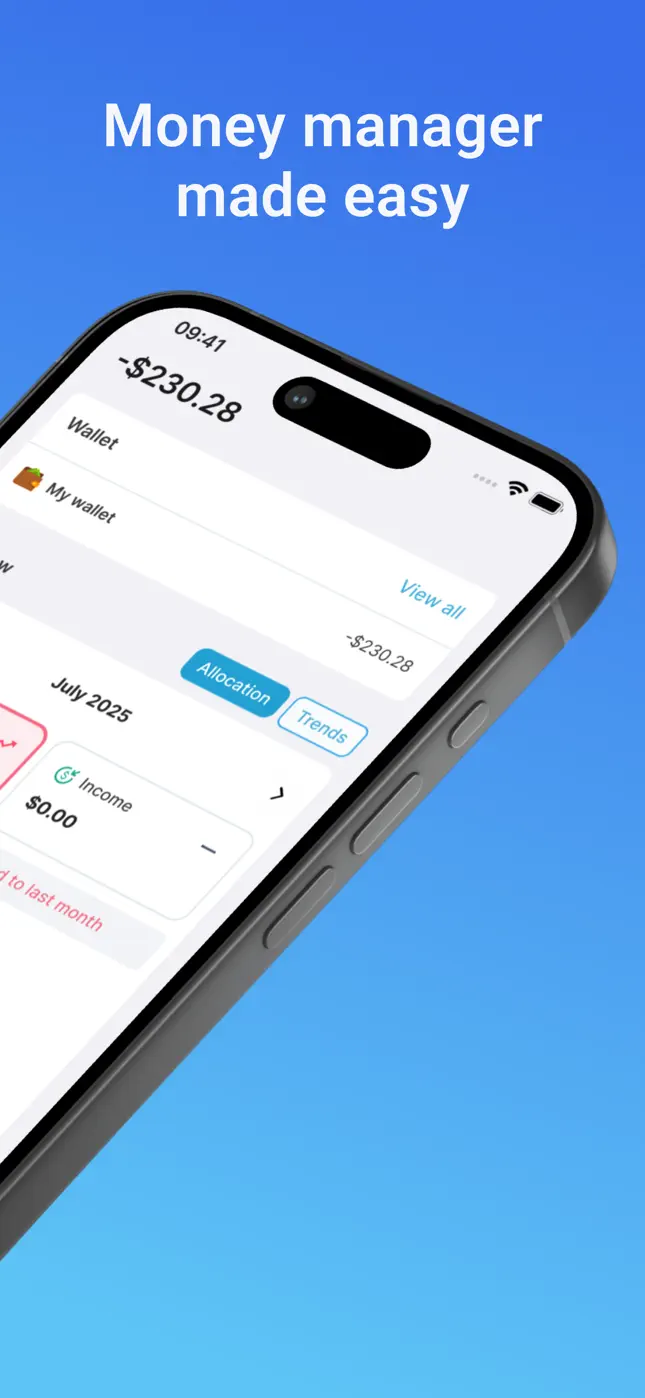
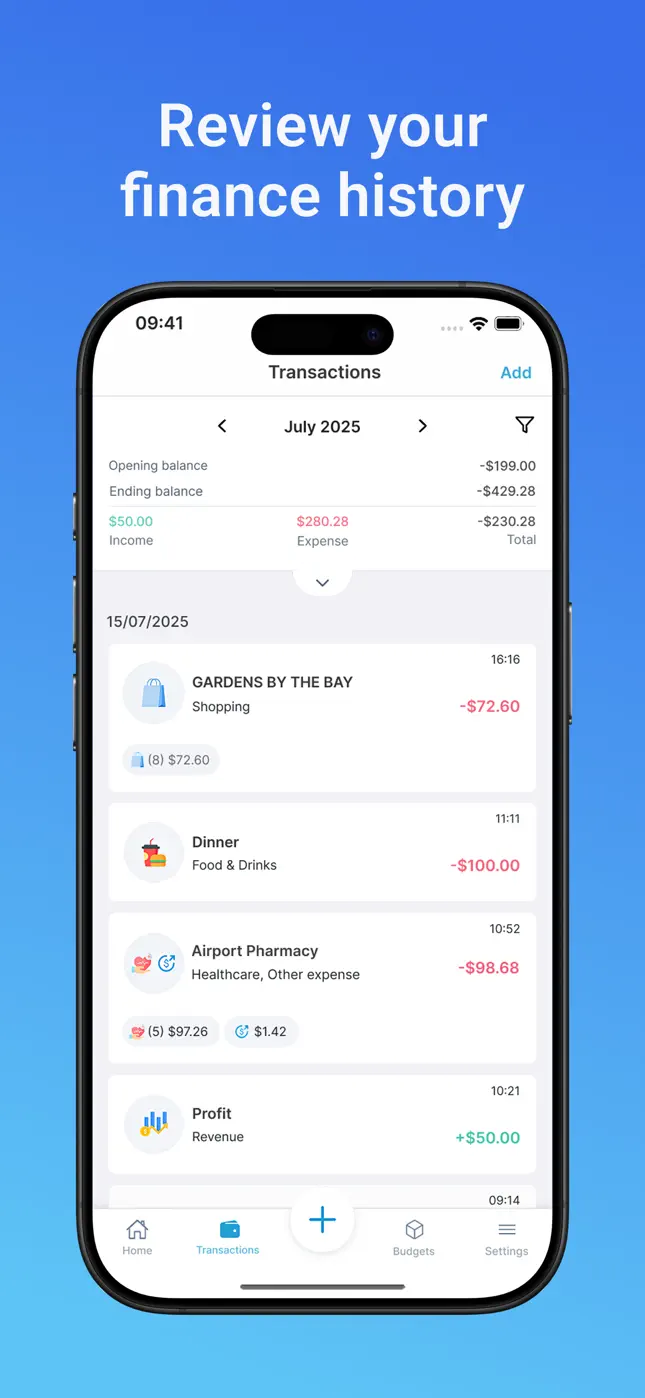
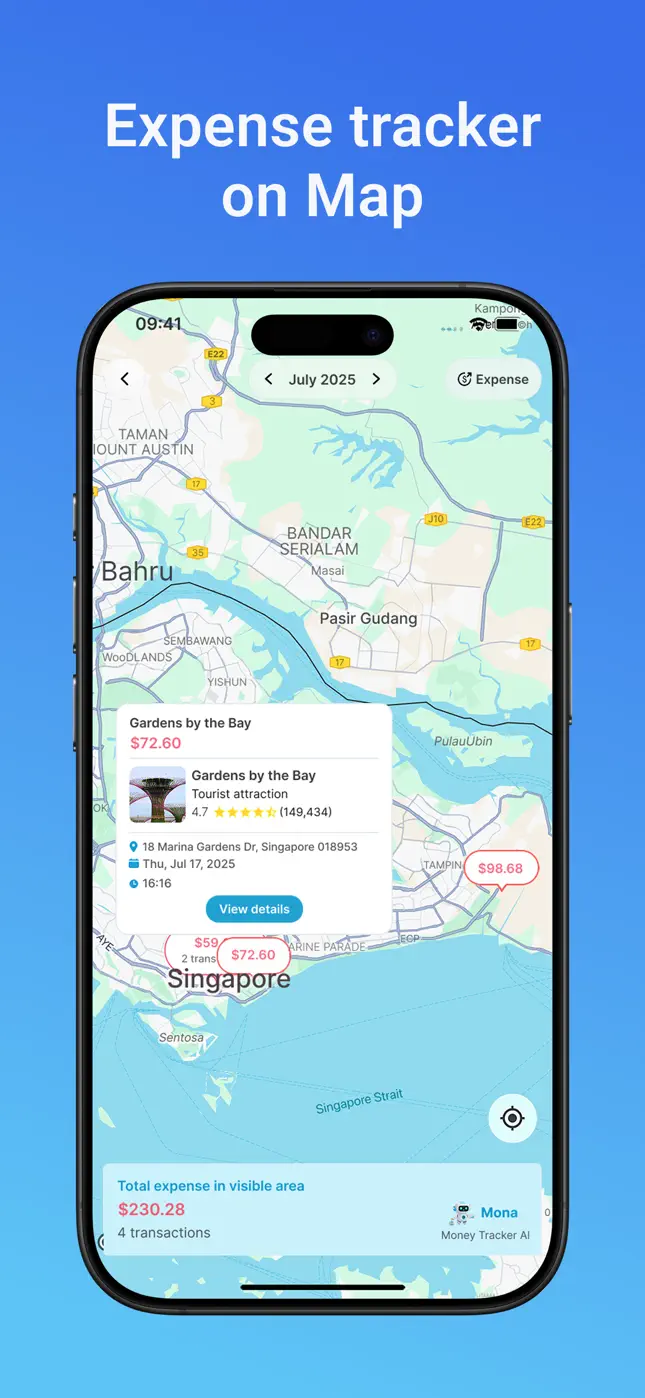
記帳、收據掃描、預算、紀錄、地圖與深色模式——完整 App 一覽。
觀看 Money Tracker AI 示範
看看用 AI 功能管理財務有多簡單
為什麼選擇 Money Tracker AI?
輕鬆記帳
告別手動輸入。AI 辨識收據、訊息與語音指令,自動記錄你的支出。
智慧預算管理
設定能配合你消費習慣的智慧預算,在超支前主動提醒。
可行的財務洞察
取得個人化建議,優化支出,更快達成財務目標。
指南
充分發揮 Mona 的價值
實用的逐步指南,涵蓋 Mona AI 的各種用法——從掃描收據到規劃家庭預算。
什麼是 AI 記帳 App(以及為什麼你不會再回到舊方法)
AI 記帳如何運作、能自動完成什麼,以及如何在不到兩分鐘內設定好 Mona。
閱讀指南 →如何掃描收據並自動記帳
用 Mona 的 AI 掃描器,把一整盒紙本收據變成帶明細、已分類的支出。
閱讀指南 →如何傳一則訊息就記帳
用白話跟 Mona 聊天,五秒記下任意一筆——沒有表格,沒有試算表。
閱讀指南 →最好的免綁銀行記帳 App
獲得近乎自動的記帳體驗,無需交出銀行登入或連結任何帳戶。
閱讀指南 →如何追蹤帳單、定期扣款和到期日
用一個把每項訂閱和到期日都收在一處的追蹤器,告別逾期費。
閱讀指南 →如何訂一個你真能守住的月預算
用類別上限、即時剩餘儀表和支出趨勢,打造一個務實的月預算。
閱讀指南 →如何用多種貨幣追蹤旅行花費
跨幣別追蹤旅途花費,並在地圖上一座城市一座城市地看每一筆。
閱讀指南 →學生記帳:一套免費的 5 秒系統
一套超簡單的方法,讓學生記好吃飯、房租、書本和出去玩——免費又快。
閱讀指南 →如何用共享錢包管理家庭預算
用無限錢包整理家庭花費——買菜、小孩、旅遊——統進一個家庭預算。
閱讀指南 →如何設定(並達成)一個儲蓄目標
用 Mona 設定一個目標、記錄每次存入,看著進度一點點長大。
閱讀指南 →常見問題
常見問題
關於用 Mona AI 記帳、掃描收據、預算、帳單與儲蓄的快速解答。
如何用傳訊息的方式記帳,而不是填表格?+
打開 Mona AI,用日常用語傳一則訊息,例如「午餐 150 元、星巴克咖啡 100 元」。Mona 的 AI 會解析金額、商家與品項,自動分類並即時記錄每筆交易——不用表格,不用試算表。
了解更多 →Money Tracker - Mona AI 免費嗎?我的資料安全嗎?+
Mona AI 在 App Store 和 Google Play 免費提供,可選 Premium 訂閱解鎖無限掃描與 AI 訊息。你的財務資料受業界標準安全保護,而且永遠不需要銀行登入資訊。
準備好改變你的財務生活了嗎?
加入成千上萬已經用 Money Tracker AI 掌控財務的使用者
免費下載 • 不需信用卡 • 全球可用