
Why people avoid bank-linked budget apps
- Security exposure: aggregator connections mean your credentials or tokens live on someone else's servers.
- Privacy: linked apps see every transaction — and transaction data is valuable to advertisers and data brokers.
- Reliability: bank feeds break, duplicate, and mislabel; many banks and regions aren't supported at all.
- Cash and shared spending are invisible to a bank feed anyway — a big blind spot if you use cash regularly.
The usual trade-off is that avoiding bank sync means going fully manual. AI entry removes that trade-off.
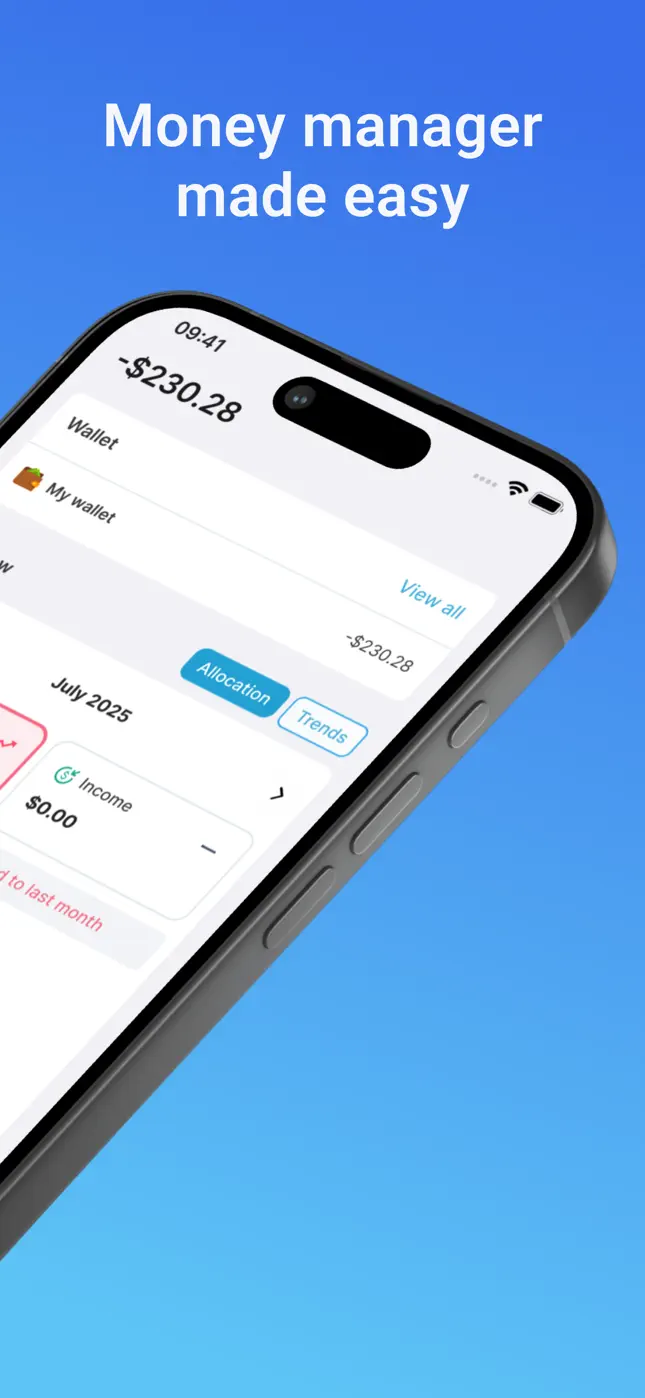
How Mona gives you automation without the bank connection
Mona replaces the bank feed with AI-powered input: text a message, speak, or snap a receipt, and the transaction is recorded, itemized and categorized in seconds. You capture cash, cards, transfers and shared costs equally well, because you're logging reality — not whatever a feed happens to see.
Your budgets, trends, bill due dates and savings goals all update in real time from those entries, exactly as they would with a linked account.

Try it free now
Money Tracker – Mona AI · Free on iPhone & Android · No bank login required
How to budget with Mona and no bank link, step by step
- Download Mona AI free. No account numbers, no bank selection screen, no credentials.
- Create wallets for how you actually pay: e.g. “Cash”, “Card”, “Family” — unlimited wallets are supported.
- Log spending as it happens by message, voice or receipt photo.
- Set your monthly budget and category limits; the remaining gauge keeps score.
- Review weekly: check trends and your transaction history — two minutes on a Sunday is plenty.
What about security inside the app?
Your financial data is protected with industry-standard security practices, and because Mona never holds bank credentials, there's no bank login to be exposed in the first place. See the Privacy Policy for details.
Frequently asked questions
Is manual entry a lot of work without a bank feed?+
Not with AI entry — texting “$15 groceries” takes about five seconds, and receipt photos are itemized automatically. Most users log a full day's spending in under a minute.
Can I track cash spending?+
Yes — cash is a first-class citizen. Create a Cash wallet and log cash purchases by message just like card spending.
Does Mona ever ask for bank credentials?+
No. There is no bank-linking feature at all. Your data comes from what you tell Mona — messages, voice and receipts.
Ready to put this into practice?
Download Money Tracker – Mona AI free and set it up before your next purchase.