
Why family budgets collapse into one blurry number
Most budget apps assume one person, one pot. Real households don't work that way: the grocery run, the school-shoes emergency, the shared streaming, the holiday fund and your own coffee habit all deserve different rules. When they share one bucket, nobody can answer “can we afford this?” because “this” has no budget of its own.
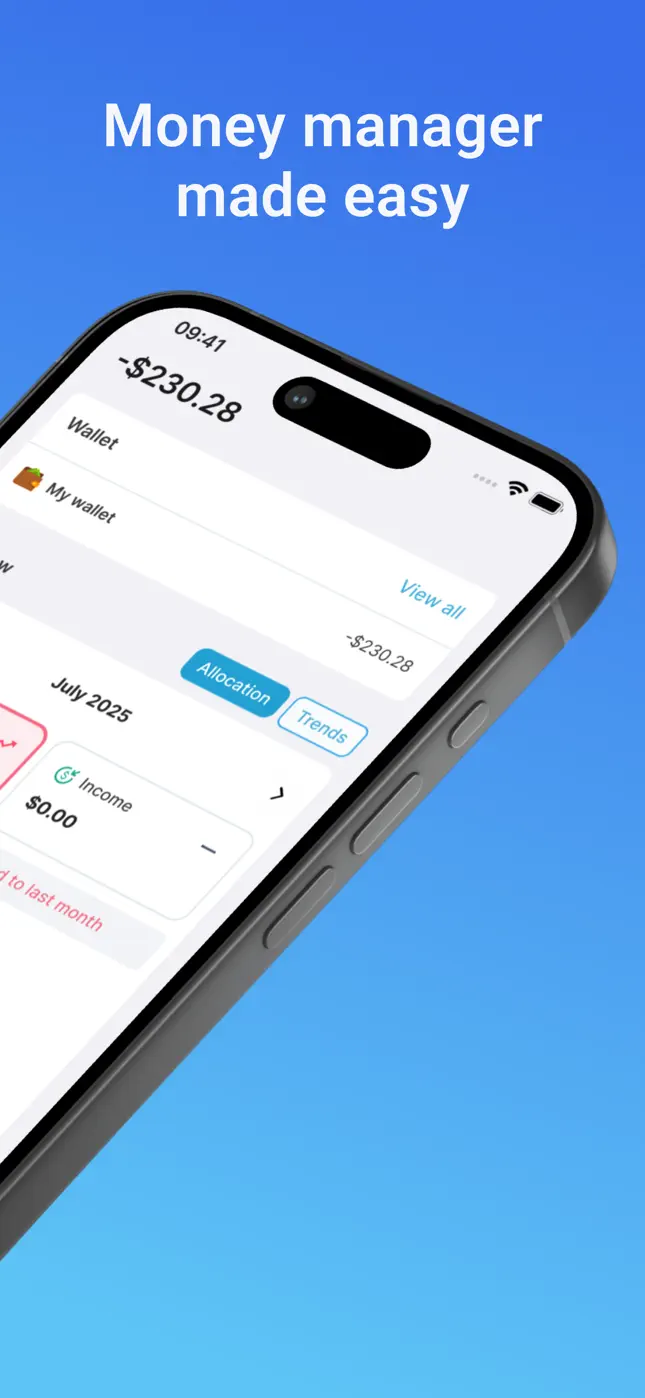
Structure your family money with wallets
Mona's unlimited wallets let you mirror how your household actually thinks:
- Household — rent/mortgage, utilities, insurance; pair it with the bill tracker for due dates.
- Groceries & Kids — the high-frequency wallets where receipt scanning shines: one photo captures the whole weekly shop, itemized.
- Holiday / Projects — sinking funds with their own savings goals.
- Personal — yours and theirs, so personal spending stays personal.
Each wallet gets its own budget and history, and the home view shows allocation across all of them.

Try it free now
Money Tracker – Mona AI · Free on iPhone & Android · No bank login required


Set up the family system, step by step
- Download Mona AI free and create wallets for your 3–5 spending domains.
- Set a monthly budget per wallet — start from last month's reality, not aspiration.
- Scan the big receipts. Weekly grocery shop = one photo, fully itemized (great for spotting price creep).
- Text the small stuff — “$12 school lunch money” — five seconds each.
- Hold a 10-minute weekly money huddle. Open budgets together: what's red, what's due (bills view), what's left for the weekend.
The payoff: decisions instead of arguments
When “can we afford it?” has a wallet-specific answer — the Holiday wallet has $340, Groceries is $27 over — money conversations turn from blame into planning. That's the real feature of a family budget app: shared facts.
Frequently asked questions
How many wallets can we create?+
Unlimited — Mona's budget planner supports unlimited wallets for personal, family and business use on all plans.
Can we track the kids' expenses separately?+
Yes — give kids' costs their own wallet and budget, so school, clothes and activities are visible instead of blended into everything else.
Does it work for family businesses too?+
Yes — business expenses can live in their own wallet, keeping reimbursements and receipts separate from household money.
Ready to put this into practice?
Download Money Tracker – Mona AI free and set it up before your next purchase.